
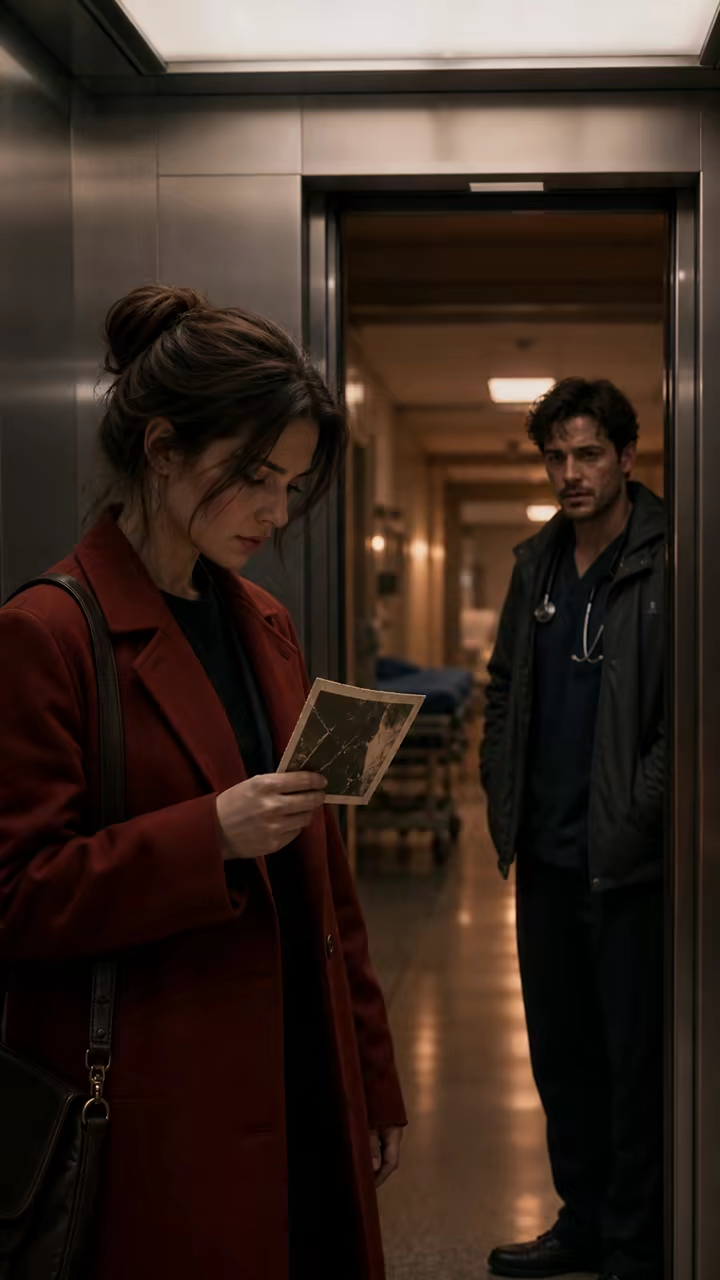

Slow dolly-in portrait
A violinist pauses beside a rain-streaked window and takes one calm breath, slow dolly in at eye level, restrained natural movement, soft blue-hour side light, intimate cinematic realism
Save up to 73% on plans
Hailuo 02
AI output preview
A dog climbs a competition wall quickly while the camera tracks the upward motion
Browse every other AI video model and effect published on this site in a continuous carousel.
Combine subject, action, camera movement, motion speed, lighting, and visual style. Apply the finished prompt directly to the generator above or copy it for later.
Prompt formula
Subject + Action + Camera movement + Motion speed + Lighting + Visual style
Each example describes one readable shot. Apply one to load it into the generator, then change the subject, pacing, or camera direction before generating.
A violinist pauses beside a rain-streaked window and takes one calm breath, slow dolly in at eye level, restrained natural movement, soft blue-hour side light, intimate cinematic realism
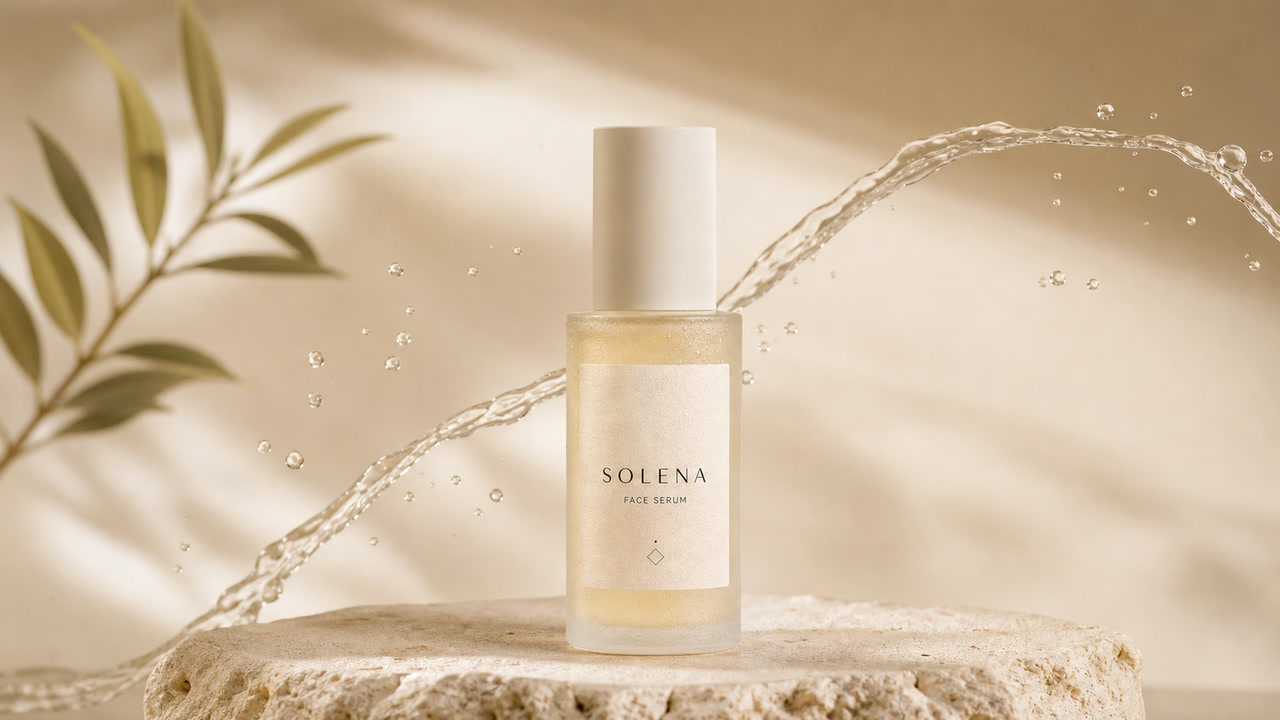
A matte ceramic perfume bottle stands on dark stone while a thin ribbon of mist moves behind it, smooth 120-degree orbit around the bottle, slow controlled motion, narrow warm rim light, premium product film
Wind moves through a wide field of silver grass as distant clouds drift over the hills, slow pan from left to right, gentle continuous motion, diffused sunrise light, natural documentary landscape
A street-food cook lifts a wok and steam rolls toward the lens, subtle handheld camera at shoulder height, lively but readable motion, warm stall light against a cool night street, observational documentary style
A paper sculpture unfolds one panel at a time on a clean studio table, static locked camera, precise medium-speed movement with no camera shake, even softbox lighting, minimal stop-motion-inspired design
Drops of water gather and slide across a green leaf while the leaf bends slightly in a breeze, slow macro push in, delicate motion, soft overcast backlight, high-detail nature photography
A model in a long red coat turns once and the fabric settles naturally, gentle tilt from shoes to face, measured motion with stable body proportions, soft city dusk lighting, editorial fashion film
Keep the uploaded product shape, label, colors, and framing unchanged; add one slow clockwise turntable rotation, static camera, restrained motion, consistent studio lighting, clean ecommerce product video
Picloft exposes both Hailuo 02 workflows. Choose the scene before generation because the required input and available resolution combinations differ.
Choose Hailuo 02 with the text-to-video scene when you do not have a starting frame. Describe the subject, environment, action, camera direction, motion speed, lighting, and style. The connected route offers 6- or 10-second clips at 768p; 1080p is available for 6-second generations. Prompt Optimizer is an optional advanced switch in the generator.
Choose image-to-video when a product photo, character frame, poster, or storyboard already establishes the visual layout. Upload a first-frame image and prompt only the intended motion. Hailuo 02 supports 512p, 768p, and 1080p combinations subject to the duration limits shown in the generator. Hailuo 02 Fast is also available for image-to-video at 512P.
Camera language changes how a prompt reads. Keep the direction simple and pair it with a speed so the model is not asked to perform conflicting moves in one short shot.
Use “slow dolly in” when the camera should physically move closer and reveal more detail. A dolly-out can create distance. State the camera height or subject focus, and avoid combining a dolly with several other moves.
Use “smooth 90-degree orbit” or “120-degree orbit” when the camera should travel around a centered subject. Orbit prompts work best when the subject stays readable from multiple angles and the requested arc is limited.
Use “slow pan left to right” when the camera rotates across a scene from a fixed position. Name the start and end points when they matter, such as moving from a storefront sign to the person entering below it.
Use “subtle handheld camera” for small, human variations rather than violent shaking. Pair it with documentary, street, or behind-the-scenes scenes, and keep the subject action simple enough to remain legible.
Use “static locked camera” when the action inside the frame should carry the shot. This is useful for products, controlled transformations, material studies, and image-to-video prompts where composition stability matters.
AI video is probabilistic. A structured prompt can reduce ambiguity, but every result still needs review before publication or client use.
Do not ask one subject to run, jump, spin, change clothes, and interact with several props in the same short clip. Pick the action that matters most and save the rest for separate shots.
For image-to-video, explicitly keep faces, body proportions, product geometry, labels, colors, and framing stable when those details matter. Inspect the output for drift, extra objects, duplicated limbs, and altered text.
State one camera move and one subject action. If both are fast or contradictory, the result can become hard to read. Start with slow or measured motion, then increase energy in a later iteration.
Use only combinations shown by the selected model and scene. Hailuo 02 offers 6 and 10 seconds with scene-specific resolution limits; Hailuo 02 Fast is image-to-video at 512P. The form prevents unsupported selections.
Check continuity, faces, hands, logos, on-screen text, product shape, unexpected props, and rights-sensitive material. Add captions, audio, legal copy, and final edits in your normal video editor when needed.
Answers are limited to capabilities exposed by the current Picloft model route and generator controls.
Yes. The prompt builder combines six editable parts into one prompt, and its Apply button sends that prompt into the real video generator on this page. You can also copy the result or apply any of the eight examples.
Picloft currently exposes Hailuo 02 for text-to-video and image-to-video, plus Hailuo 02 Fast for image-to-video. The generator model and scene selectors are the source of truth for current availability.
Start with subject + action + camera movement + motion speed + lighting + visual style. Put the most important visible change early, use one main camera move, and remove any phrase that does not change what the viewer can see.
Upload an image when you need to keep a known subject, product, character, palette, or composition. Select image-to-video, provide a clear first frame, and describe the motion rather than repeating every static detail.
The connected Hailuo 02 route supports 6- and 10-second generations. Available resolutions depend on text-to-video or image-to-video and on duration. Hailuo 02 Fast is limited to 512P. Always follow the combinations displayed in the live form.
No. AI video generation is probabilistic, so the same prompt can produce different motion and details. Treat examples as reusable instructions, not guaranteed outcomes, and review each generated clip.
Start with Hailuo 02 for text-to-video or image-to-video, keep the prompt focused on one shot, and inspect the generated clip before publishing.